TL;DR -- It's a webapp to reduce friction + some optional extended MIDI features.
I also made a ~4-minute video that summarizes the project:
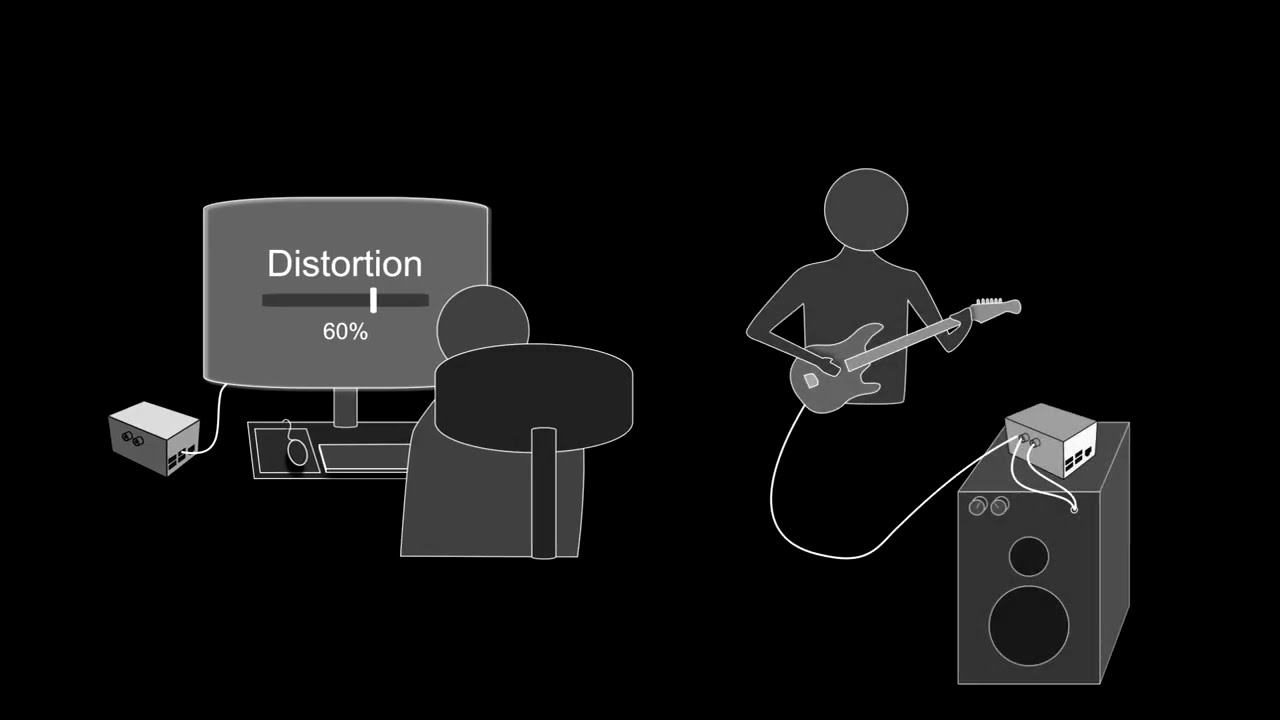
(subtitles are available in case my accent is bothering you).
ScrapOrchestra
is a prototype implementation of what would be my ideal Elk-Box.
It was mainly inspired by the 1.2.1 release of Elk Pi (shipped with many Elk Community plugins).
By default, it does nothing.
But it exposes a web interface that hooks into Sushi via gRPC to let me build projects on the spot using nothing but a smartphone.
It also saves those sessions in /udata so I can reload and edit them later.
Optionally it can also:
- manage and remember MIDI connection (ALSA sequencer aconnect…) per project.
- spawn Midish (MIDI transport) alongside Sushi and have it play a MIDI file (or even record one).
- spawn a pre-written Pure Data patch, since I wrote many MIDI/OSC sequencers that I was eager to try with Sushi as a DSP engine.
The idea was to have a compact multi-tool to help when jamming away from a desktop computer.
Some Example of use cases:
If playing with many bands, it makes it easy to switch between different DSP setups. I could even have one Sushi session per song and switch them on the fly.
Sometimes I just want to solo practice over a chord progression.
And there are many excellent online tools that can make a MIDI file from a list of chord names.
I can download that file with my phone, send it to the Elk-Box, loop it, add a track in Sushi with whatever plugins my mood dictates, and start playing along.
I can also save that practice session in a project file, reload it later and import a new set of chords.
Then let’s say while I am practicing, some intrigued roommate carrying a USB MIDI keyboard appears. He asks to play along.
The app has us covered here too, as it implements all actions needed to achieve this:
- creating new Sushi tracks + processors
- managing their internal MIDI connections
- running
aconnectcommand
Complicated setups are easier to manage. Things like having my looper pedal synced to the effects and playback becomes surprisingly straightforward compared to writing shell scripts, JSON configuration files and systemd daemons services.
Before you get your hopes up, be warned that this is a early work in progress that is far from production ready. But it started to grow functional enough to be shared.
Here is the GitHub link if you want to try it for yourself.